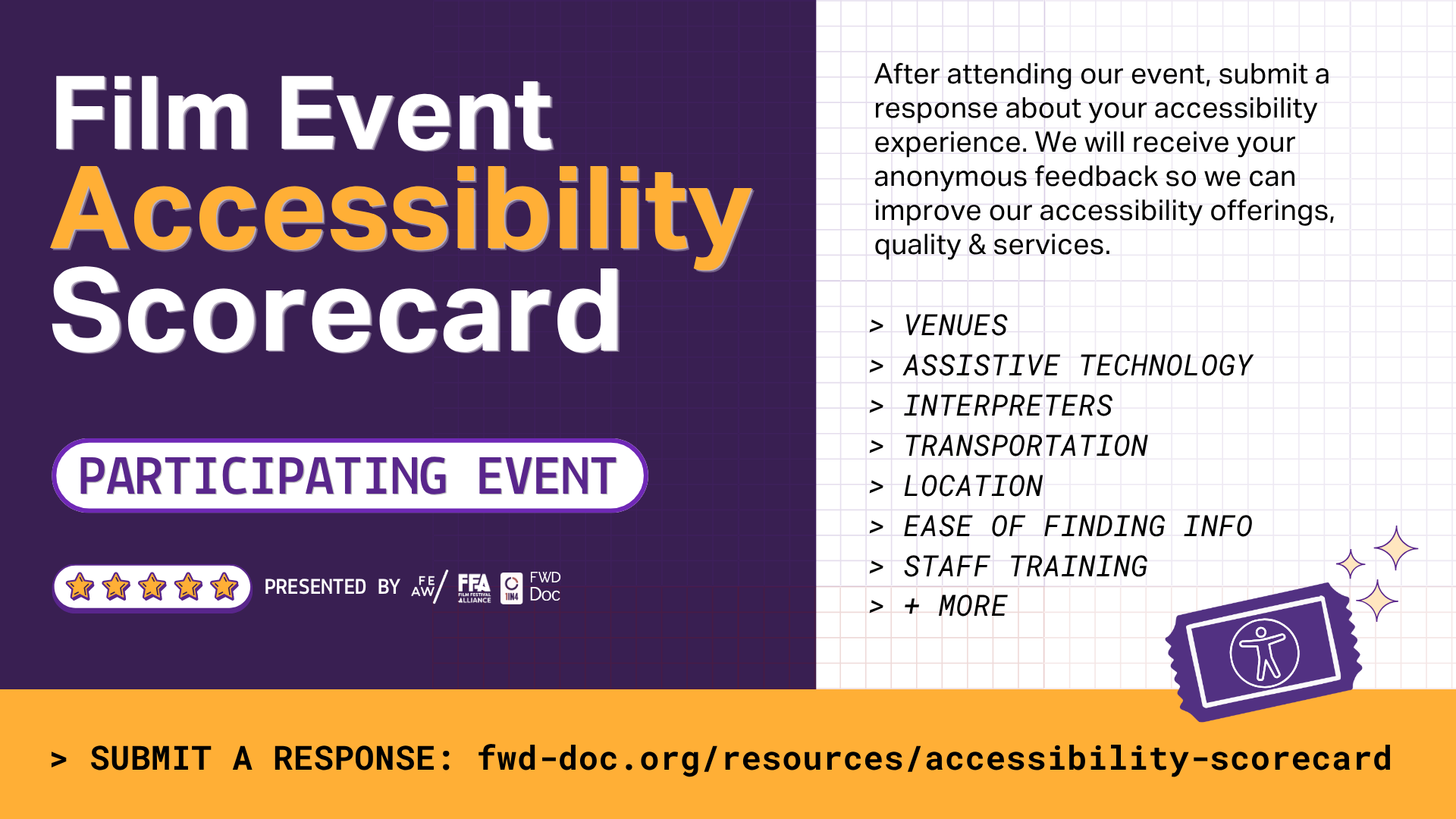
Film Event Accessibility Scorecard
About | For Attendees | For Organizers | Reports | Survey | Press | FAQ
For Film Event & Festival Organizers
Receive Feedback — Make Change
Want to know what the feedback says for your event? Sign-up to receive data from the Scorecard!
How It Works:
Register your event using the form. We recommend using a general inbox that you can access year-round for the feedback-response email.
Get added to the Scorecard Event List in the form. Once your event is confirmed, attendees can select it when they submit feedback. Attendees will still be able to write in event names, but adding your name to the list makes it much easier for them!
Share the survey with your event attendees using QR codes at the venues, and via email and social media after your event. See the toolkit for assets.
Receive notifications. You will receive an email when someone submits feedback about your event. You can customize your notification settings to adjust the email frequency.
Access your data. Log in to your account (coming soon) at any time to view and download responses, and explore analytics, graphs, and statistics. Responses will include basic demographic information.
Review and take action. Use the data to recognize what is working, identify areas for improvement, and plan for better access at your next event.
Enroll to Receive Data
-
-
Contact FWD-Doc’s team for any assistance filling out the form or submitting a response.
-
Whether you are a film event organizer or industry professional, we need your support! Share this page with your colleagues and network today.
Share URL:
fwd-doc.org/feas-enroll
Organizer Toolkit
Use the Scorecard Promo Toolkit with graphics and copy to promote your involvement and encourage your audiences to fill out the scorecard. The more you promote - the more feedback you will get.